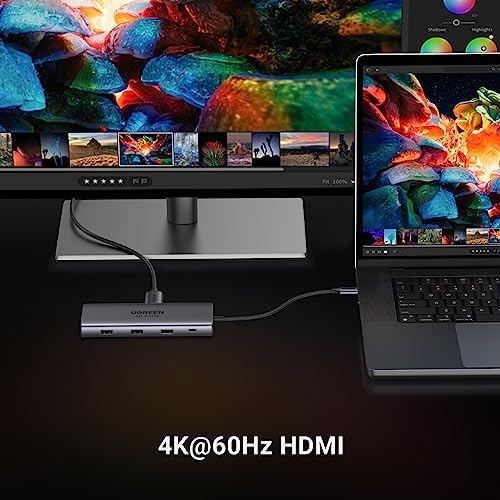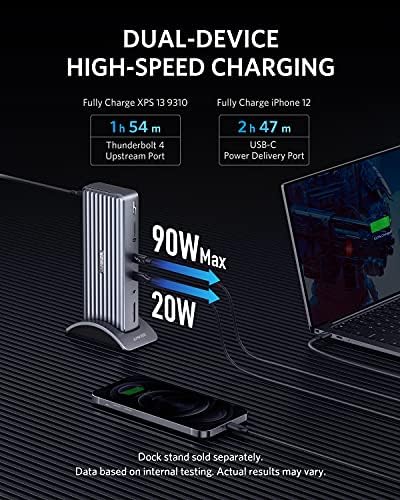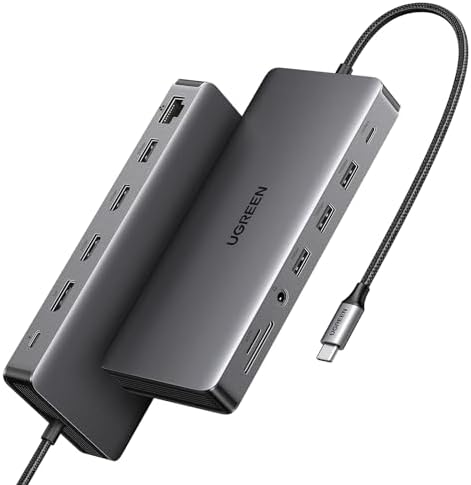
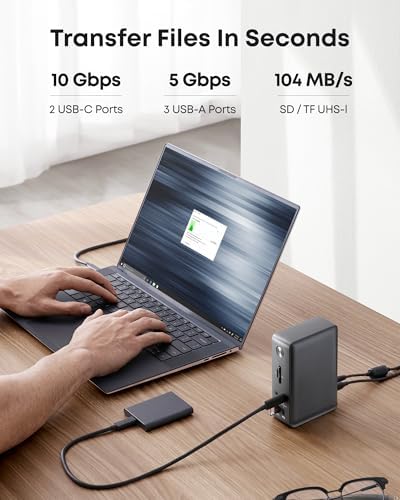
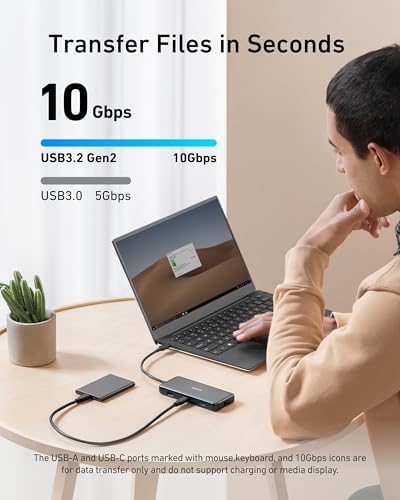
UGREEN Revodok Max 313 Thunderbolt 4 Dock (13-in-1)
A stable, port-packed Thunderbolt 4 dock with 8K support and SD 4.0 readers — but 60W charging and a $399 price keep it from being the obvious value pick.
Curated reviews and comparisons to help you find the best power & cables for your home office.
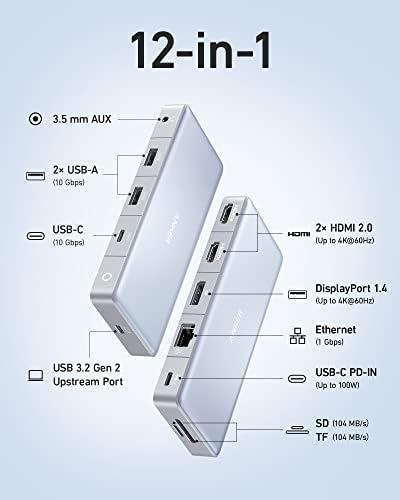
A stable, port-packed Thunderbolt 4 dock with 8K support and SD 4.0 readers — but 60W charging and a $399 price keep it from being the obvious value pick.
A Mac mini-style aluminum TB5 dock with a built-in M.2 NVMe bay, 140W charging, and 2.5GbE — one box instead of two.
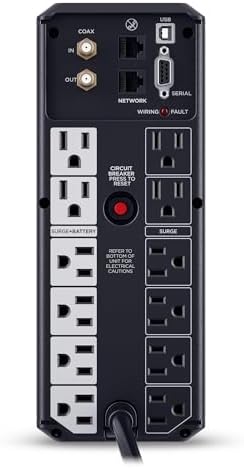
A 1500VA/900W UPS with 12 outlets, automatic voltage regulation, and enough runtime to save your work and shut down cleanly — the default work-from-home pick.
A palm-sized foldable charger that delivers the full 25W of Qi2.2 wireless power without throttling, thanks to a near-silent AirCool fan.
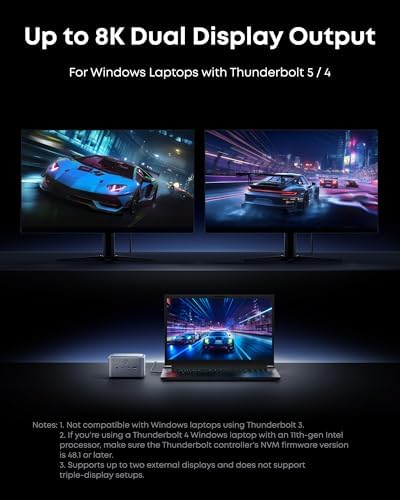
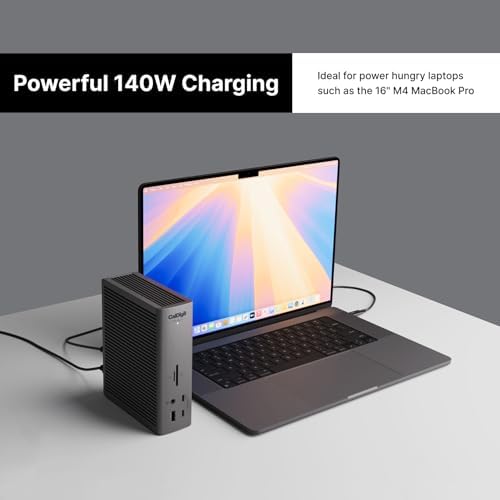
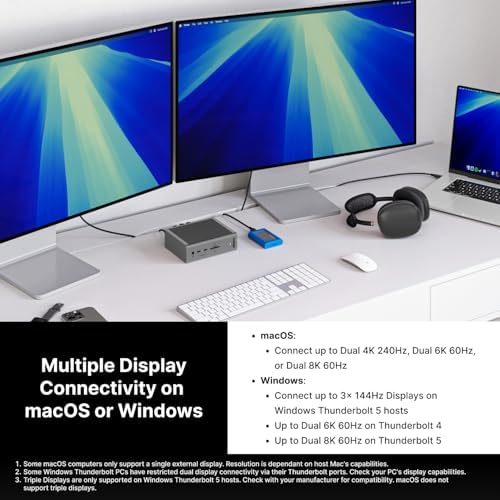
A Mac mini-shaped Thunderbolt 5 dock with a built-in NVMe SSD bay, 140W charging, and dual 8K display support.
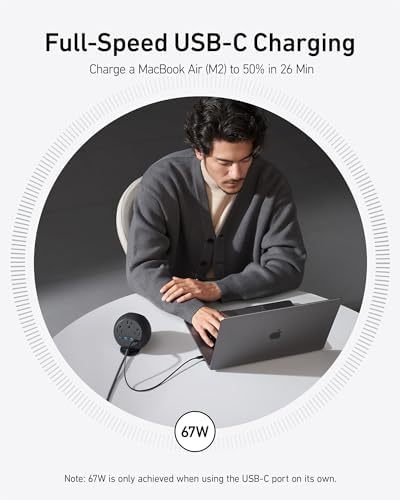
A 3-AC, 4-USB power strip with a built-in 15W Qi2 magnetic stand and 67W USB-C port — the desk-cleaning hero for one-cable Mac and iPhone setups.
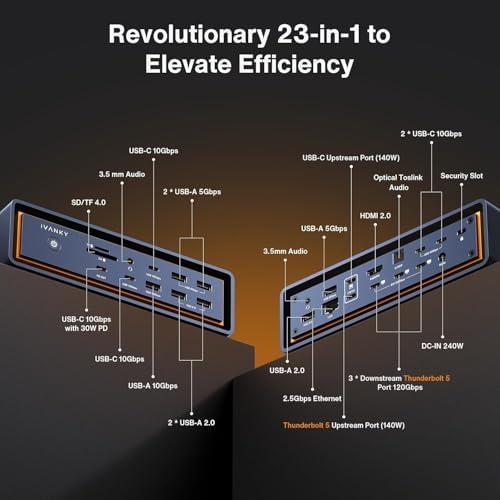
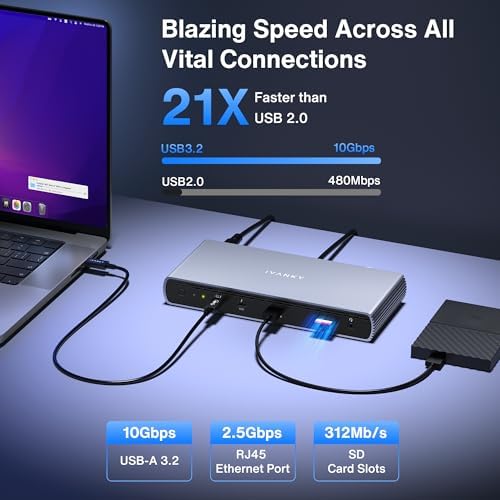
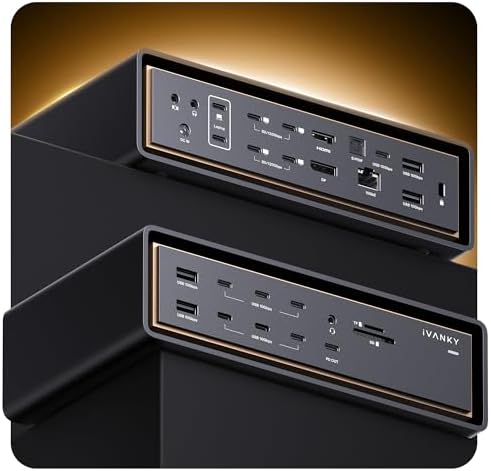
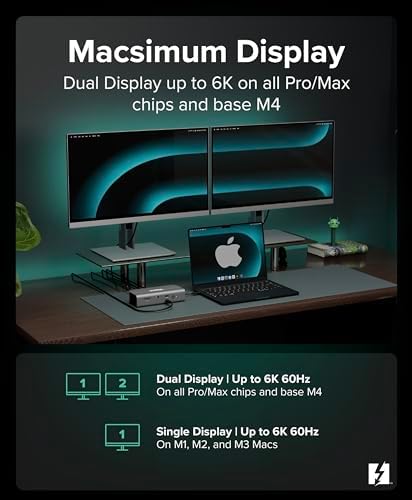
A 23-in-1 Thunderbolt 5 dock built exclusively for Apple Silicon Macs, delivering triple 6K displays, 140W charging, and 2.5GbE in a quieter, cheaper package than the FusionDock Ultra.
An 11-in-1 Thunderbolt 5 dock that brings 120Gbps Bandwidth Boost, 180W power, and 8K display support to both Mac and Windows for under $400.
A MacBook-tuned Thunderbolt 5 dock with a lockable internal M.2 SSD slot, triple card readers, and a dedicated iPhone backup button — built for photographers and video editors.
The maxed-out Thunderbolt 5 dock for Mac Pro and Studio creators — dual TB5 chips, 26 ports, 240W PD, and 10GbE, but it will not work with Windows at all.
A Mac mini-shaped Thunderbolt 5 dock with a user-installable NVMe SSD bay, 140W charging, and 8K display support — for the 'one box on the desk' crowd.
A 12-in-1 USB-C dock built into a monitor stand with wireless charging — the cleanest desk solution for renters who can't drill cable holes.
The cheapest legitimate Thunderbolt 5 expansion option in 2026 — three downstream TB5 ports, 140W charging, and triple 8K display support in a compact fanless box.
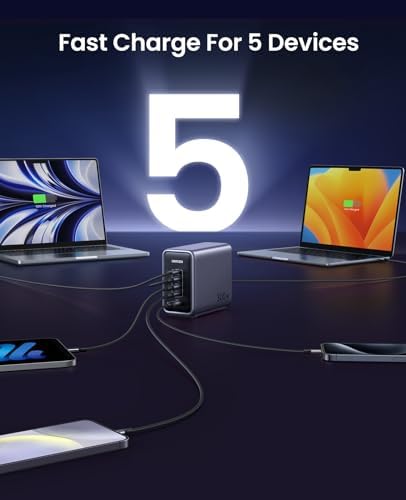
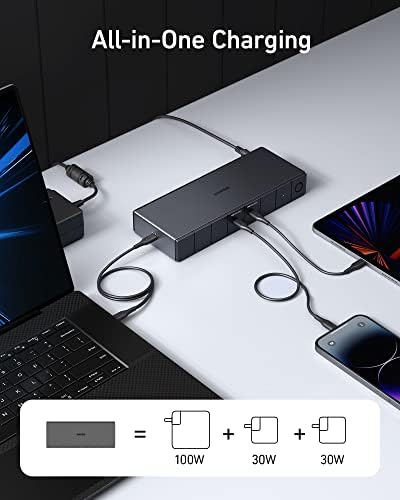
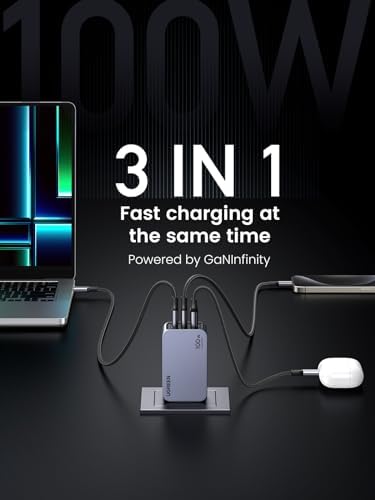
A 300W desktop charging station with four USB-C ports and one USB-A — enough to replace the entire pile of wall warts under your desk.
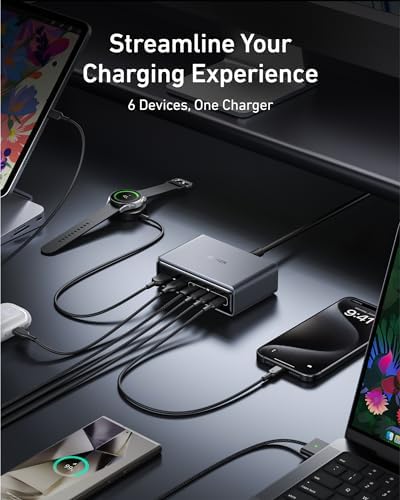
A 200W GaN brick with four USB-C and two USB-A ports that powers a full desk — laptop, tablet, phone, earbuds — from a single outlet.
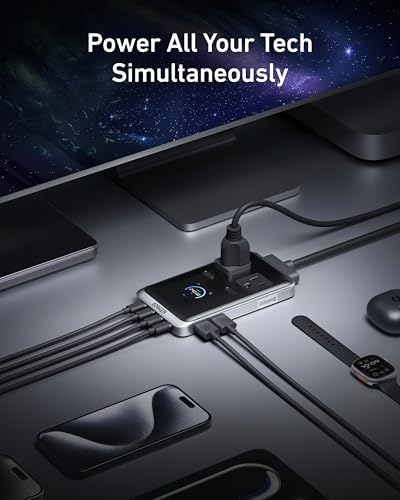
An under-desk power strip that replaces your AC strip and 100W USB-C charger with one unit — 2 AC outlets, 4 USB-C ports, and 2 USB-A.
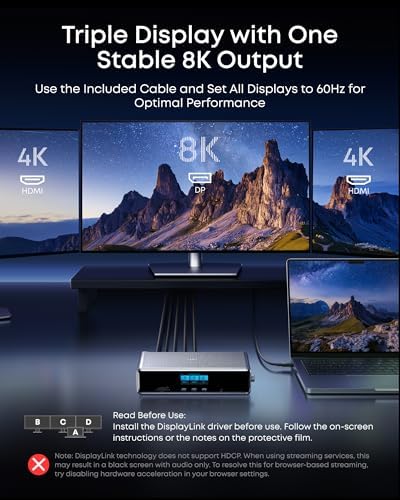
A 14-port DisplayLink dock that runs triple 4K@60Hz displays, delivers 140W charging, and adds a smart status display — ideal for Windows hot-desking setups.
A 14-port Thunderbolt 5 dock with 140W charging that undercuts the CalDigit TS5 Plus — if you actually need TB5 bandwidth.
A 1070Wh LiFePO4 power station with 1500W output and 1-hour fast charging, doubling as a desk UPS for freelancers who can't afford to lose a workday to a power cut.
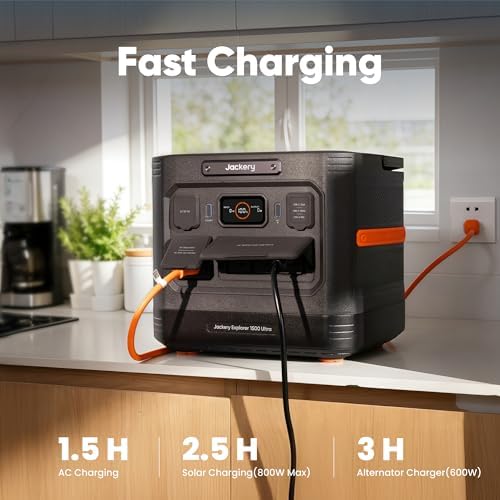
A 1536Wh LiFePO4 power station with 1800W AC output and a 1.5-hour recharge — enough to keep a full WFH desk running through a long outage.
An Intel N100 2-bay NAS with 8GB DDR5 and 2.5GbE that finally gives Synology real competition under $400.
A 9-in-1 USB-C hub with 10Gbps data, 4K HDMI, 100W passthrough, gigabit ethernet, and a premium aluminum shell that pairs perfectly with a MacBook.
A bulletproof 8-in-1 MacBook hub with 4K60 HDMI, 10Gbps USB-C, Ethernet, and 85W passthrough charging for under $40.
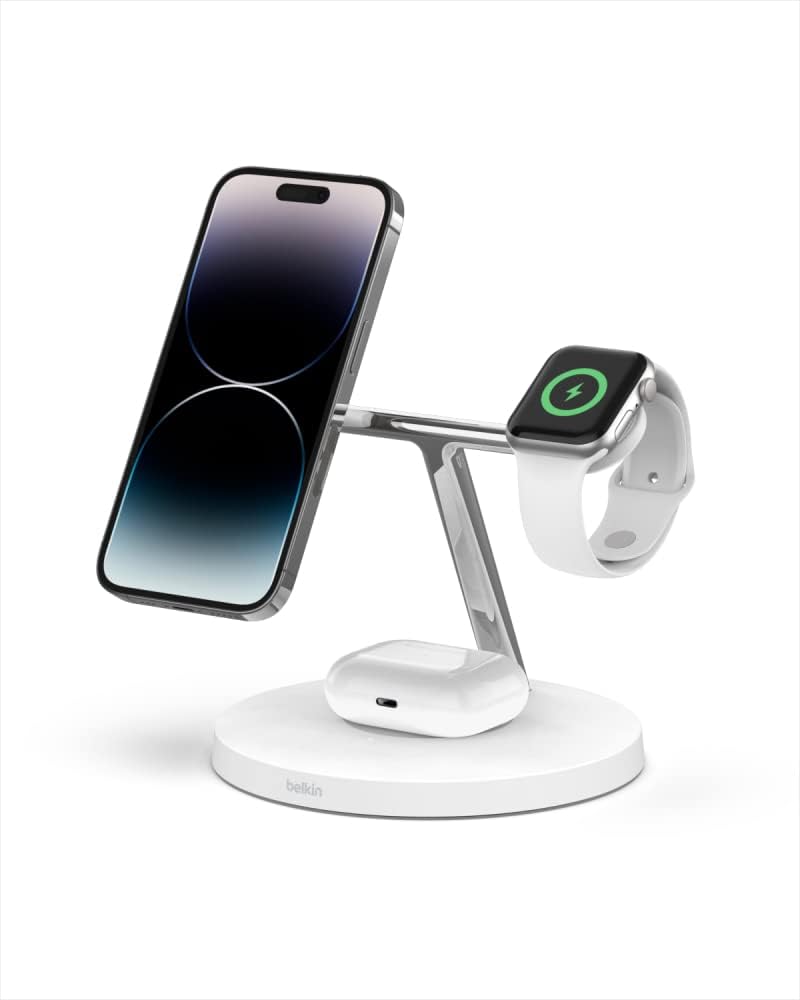
A premium Qi2-certified 3-in-1 stand with a weighted base, real Apple Watch fast charging, and the 36W brick included — the build-quality pick over generic Qi2 chargers.
A genuinely affordable Qi2.2 25W charger that folds flat, ships with a real 45W adapter, and undercuts Belkin and UGREEN by half.
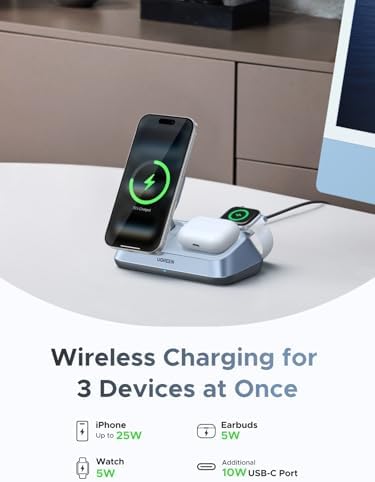
Qi2.2-certified desk stand that charges iPhone, Apple Watch, and AirPods at full 25W magnetic speed for less than half the price of Belkin's flagship.
A compact, foldable Qi2-certified 15W stand that charges your iPhone, Apple Watch, and AirPods at full speed for under $80.
A foldable Qi2.2 charger that finally unlocks 25W magnetic charging for iPhone 17 — and packs flat for travel.
A 13-in-1 Thunderbolt 4 dock that nearly matches the CalDigit TS4 for $100 less, with HDMI 2.1 and triple 4K60 support — but the 60W PD ceiling caps its appeal for big MacBook Pros.
Anker's premium 14-port dock with a built-in smart display showing real-time power draw across every connected device — the visibility upgrade for cable-heavy desks.
A 14-in-1 Thunderbolt 5 dock with 120Gbps transfer, 140W charging, and dual 8K display support — Anker's most ambitious dock to date.
CalDigit's flagship Thunderbolt 5 dock packs 20 ports, 140W host charging, and 10GbE into a single brick — the no-compromise pick for power users wiring an M-series MacBook to everything they own.
CalDigit's mid-tier Thunderbolt 5 dock packs 15 ports, 140W charging, and dual 8K support into the same rock-solid chassis that made the TS4 famous.
A 12-in-1 USB-C hub that drives three monitors over dual HDMI and DisplayPort — a budget-friendly alternative to a full Thunderbolt dock for Windows laptops.
A 12-in-1 Thunderbolt 4 dock that delivers CalDigit-tier performance — 40 Gbps, 100W charging, and 8K display support — for around $100 less, as long as you're not on an M1 or M2 Mac.
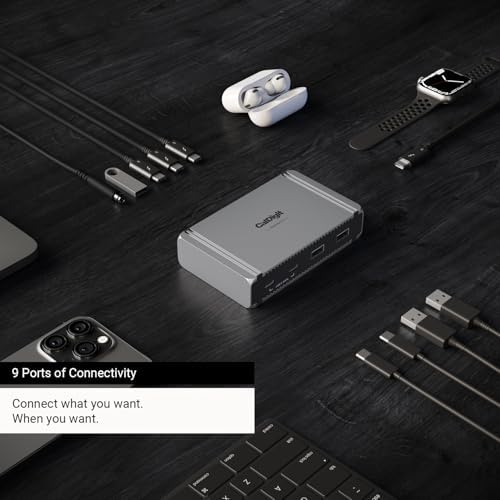
A compact 9-port Thunderbolt 5 hub built for creators who need raw display and storage bandwidth over ethernet and SD slots.
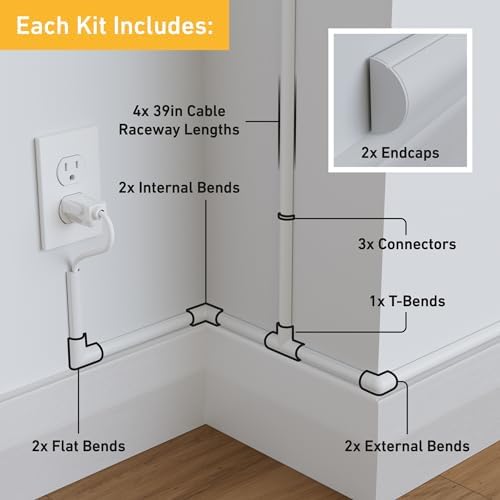
A paintable half-round cable raceway kit that hides monitor and TV cords along the wall — the most-reviewed cord hider on Amazon for a reason.
PCWorld's Best Thunderbolt Dock of 2026 — an 11-port TB5 powerhouse that undercuts CalDigit and OWC by $100+ without skimping on bandwidth or features.
A 13-in-1 Thunderbolt 4 dock that undercuts CalDigit and Anker on price without giving up the ports or build quality that matter.
A 12-in-1 Thunderbolt 4 dock that matches the CalDigit TS4 on ports and laptop charging for about $80 less.
Compact 288Wh LiFePO4 power bank with 140W USB-C output — a solid backup for USB-C home office gear, but no AC outlet means it won't run everything.
A low-profile USB-C hub designed to sit under a MacBook, adding HDMI, ethernet, SD, and extra USB ports without cluttering your desk.
A feature-dense 13-port USB-C dock with triple-display output and 85W laptop charging — the best value pick for non-Thunderbolt setups.
A compact, reliable 8-in-1 USB-C hub with 4K HDMI, Gigabit Ethernet, and 85W pass-through charging — a solid budget pick for MacBook users.
A 2" x 1" paintable wall-mount raceway with enough internal capacity for power, HDMI, and data cables — a cleaner fix than J-channel for heavier loads.
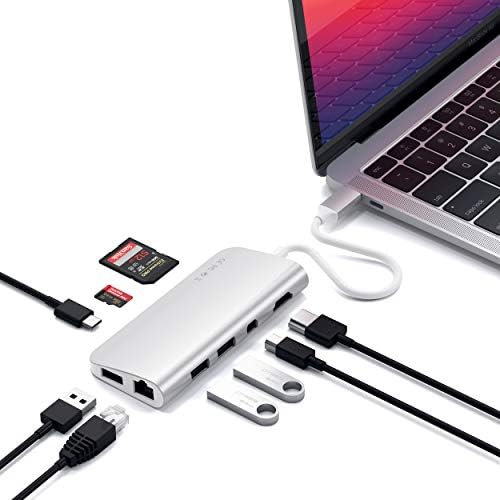
A Mac-native USB-C hub that adds 4K HDMI, mini DisplayPort, Ethernet, USB 3.0, and SD card slots without breaking the MacBook aesthetic.
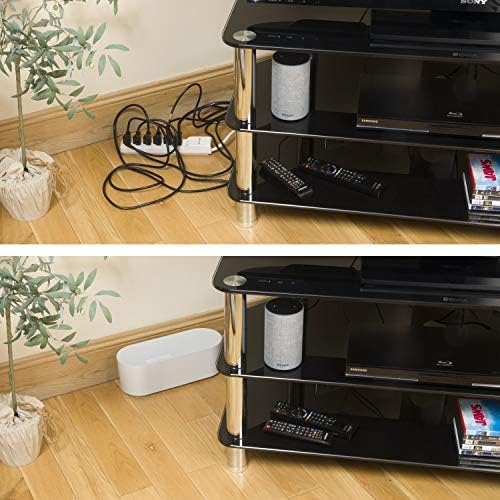
The original cable management box — hides your power strip and adapter clutter inside a clean, minimalist enclosure that actually looks good on a desk.
Adhesive-backed paintable raceway that routes cables cleanly along walls and baseboards — the simplest fix for cords that cross open surfaces.
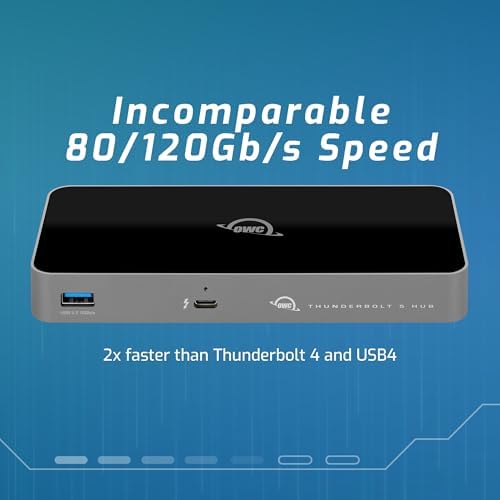
A clean, well-built 5-port Thunderbolt 4 hub that multiplies your bandwidth without the bulk of a full dock — ideal for adding Thunderbolt expansion to any TB4 or USB4 machine.
100 feet of flexible, expandable PET braided sleeving for bundling the cable spine behind a standing desk — cut to length, clean results.
A palm-sized foldable charger that handles your iPhone, Apple Watch, and AirPods in one compact cube — the best travel-ready MagSafe option at this price.
A compact, design-forward 8-in-1 USB-C hub with 100W passthrough, 4K HDMI, Gigabit Ethernet, and 10 Gbps USB-A ports — the cleanest single-cable solution for MacBook Air users.
A compact 6-in-1 GaN charging station with 2 AC outlets, 2 USB-C, and 2 USB-A ports that replaces four or five individual chargers with one tidy device.
A clean, single-cable charging solution for iPhone, Apple Watch, and AirPods — purpose-built for anyone deep in the Apple ecosystem.
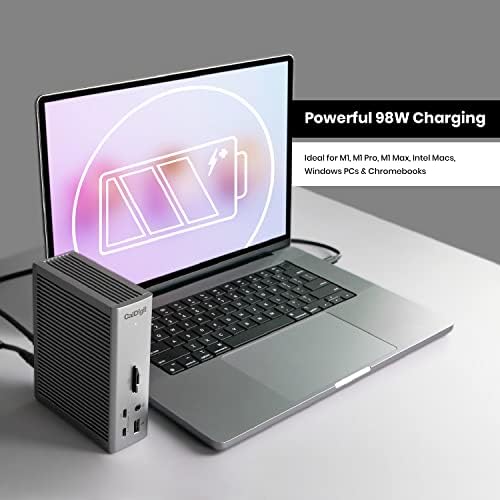
The most port-dense Thunderbolt 4 dock available — 18 ports, 98W laptop charging, and enough bandwidth to handle dual 6K displays without breaking a sweat.
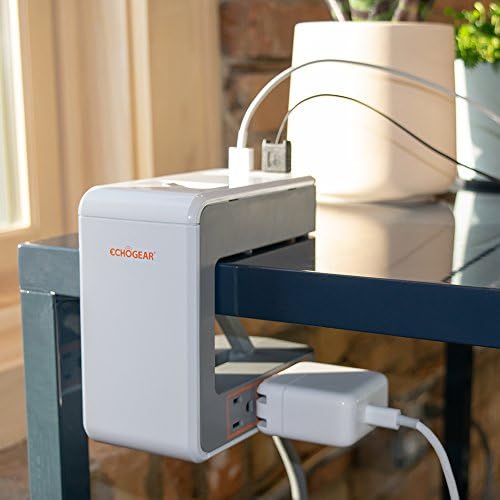
A clamp-mount power strip with 6 outlets and USB ports that attaches directly to your desk — the cleanest way to eliminate floor power strips from a standing desk setup.
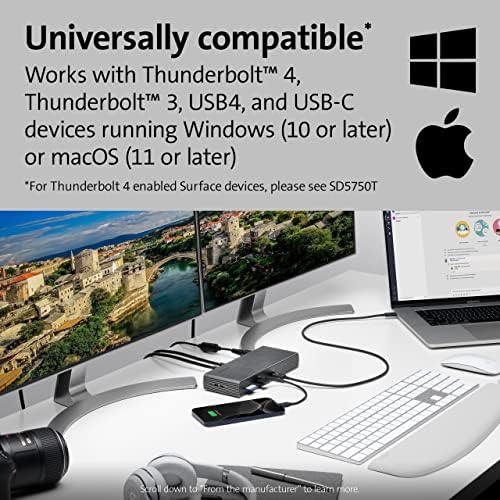
A premium Thunderbolt 4 dock with dual 4K output, 90W laptop charging, and 11 ports that handles both Windows and Mac without compromise.
A compact 3-port GaN wall charger that simultaneously delivers 65W to a MacBook Pro, 30W to an iPad, and 20W to an iPhone — all from a single outlet.
A 13-in-1 USB-C dock with dual 4K HDMI, DisplayPort, Gigabit Ethernet, 100W passthrough, and a card reader — the best-value full-featured dock for non-Thunderbolt MacBooks and Windows laptops.
A 12-in-1 USB-C dock that doubles as a monitor stand — with wireless charging, 4K HDMI, and enough ports to replace your entire cable mess.
Six adhesive J-channel trays that hide up to 96 inches of cable chaos under your desk — for less than the cost of lunch.
Docks, hubs, GaN chargers, surge protection and cable tidiness — how to power and de-clutter a modern desk in 2026, with our picks for each job.
Qi2.2 hit 25W in 2026, finally matching MagSafe's peak speed on iPhone. Here's what actually changed, what still doesn't, and whether you need a 'MagSafe' charger anymore.
Qi2 finally matches MagSafe at 15W, and the best desk chargers in 2026 combine fast wireless, USB-C ports, and Apple Watch fast charging in one footprint.
Satechi CubeDock and Kensington EQ Pro both pack user-installable NVMe slots in 2026. We break down whether the integrated storage actually beats a $90 external enclosure.
iVanky's FusionDock Ultra and Max 2 are Mac-only by design — here's the technical reason, the resale trade-off, and who should actually buy in.
Head-to-head comparison of the $399 Satechi Thunderbolt 5 CubeDock and the $500 CalDigit TS5 Plus for Mac users in 2026 — ports, storage, thermals, and which one actually belongs on your desk.
The best Thunderbolt 5 hubs of 2026 compared — OWC vs CalDigit Element 5. When a 5-port TB5 hub beats a $400 dock for most home office setups.
Honest breakdown of the best GaN desk chargers in 2026 — Anker Prime 200W, UGREEN Nexode, and Apple's overpriced 70W brick compared for real home office use.
TB5 docks finally shipped at sane prices in 2026, but most home office users don't need one. Here's who actually benefits and who's wasting money.
Portable power stations vs traditional UPS for home offices in 2026 — sizing guides, LFP battery longevity, and when a $150 UPS still beats a Jackery.
A practical NAS buying guide for remote workers — bays, drives, networking, and why UGREEN's DXP2800 beats Synology's DS224+ on value in 2026.
From $40 pocket hubs to $400 Thunderbolt 4 stations — the best USB-C docks for MacBooks, Windows laptops, and multi-monitor home office setups in 2026.
Qi2.2 bumps wireless charging to 25W, but only iPhone 16 and newer can use it. Here's what actually changes — and whether you should upgrade your charger.
Qi2.2 finally delivers 25W wireless charging to iPhone — here are the best desk, travel, and bedside chargers worth buying in 2026, plus what Qi2.2 actually means.
How to simplify your desk power setup with GaN chargers, docking stations, and MagSafe pads — and which one actually fits your workflow.
Thunderbolt 5 doubles bandwidth to 80 Gbps and adds dual 6K display support, but most home office workers don't need it. Here's who should upgrade and who shouldn't.
A port-by-port comparison of the CalDigit TS5 and TS5 Plus Thunderbolt 5 docks — networking, charging, expansion, and which one is worth the extra $100.
Thunderbolt 5 docks are shipping in 2026, but most home office users don't need the upgrade yet. Here's how to know if you actually do.
A step-by-step guide to hiding cables in your home office — under the desk, along walls, behind monitors, and across floors. With product picks for each.
Thunderbolt docks cost $250+ and USB-C hubs cost $40-80. Here's how to figure out which one your setup actually needs — and which one is a waste of money.
The best power strips and surge protectors for home office setups in 2026, plus how joule ratings, USB-C PD, and placement actually affect your gear.
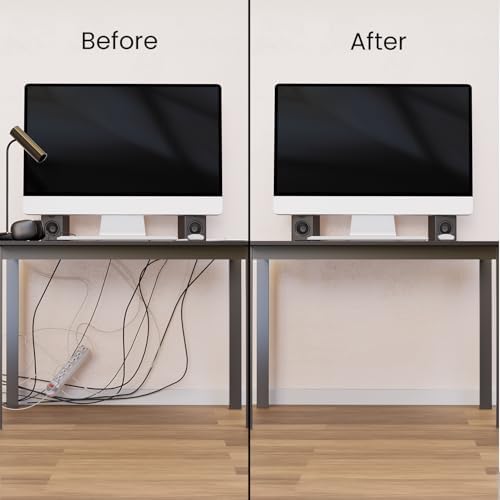
Practical cable management tips to hide cables, tame the mess, and transform your home office desk — from $5 velcro ties to full under-desk overhauls.
A practical guide to choosing the best USB-C and Thunderbolt 4 dock for your MacBook — from budget-friendly options to the CalDigit TS4 for power users.