Monitors & Arms · Review
LG UltraGear evo 39GX950B
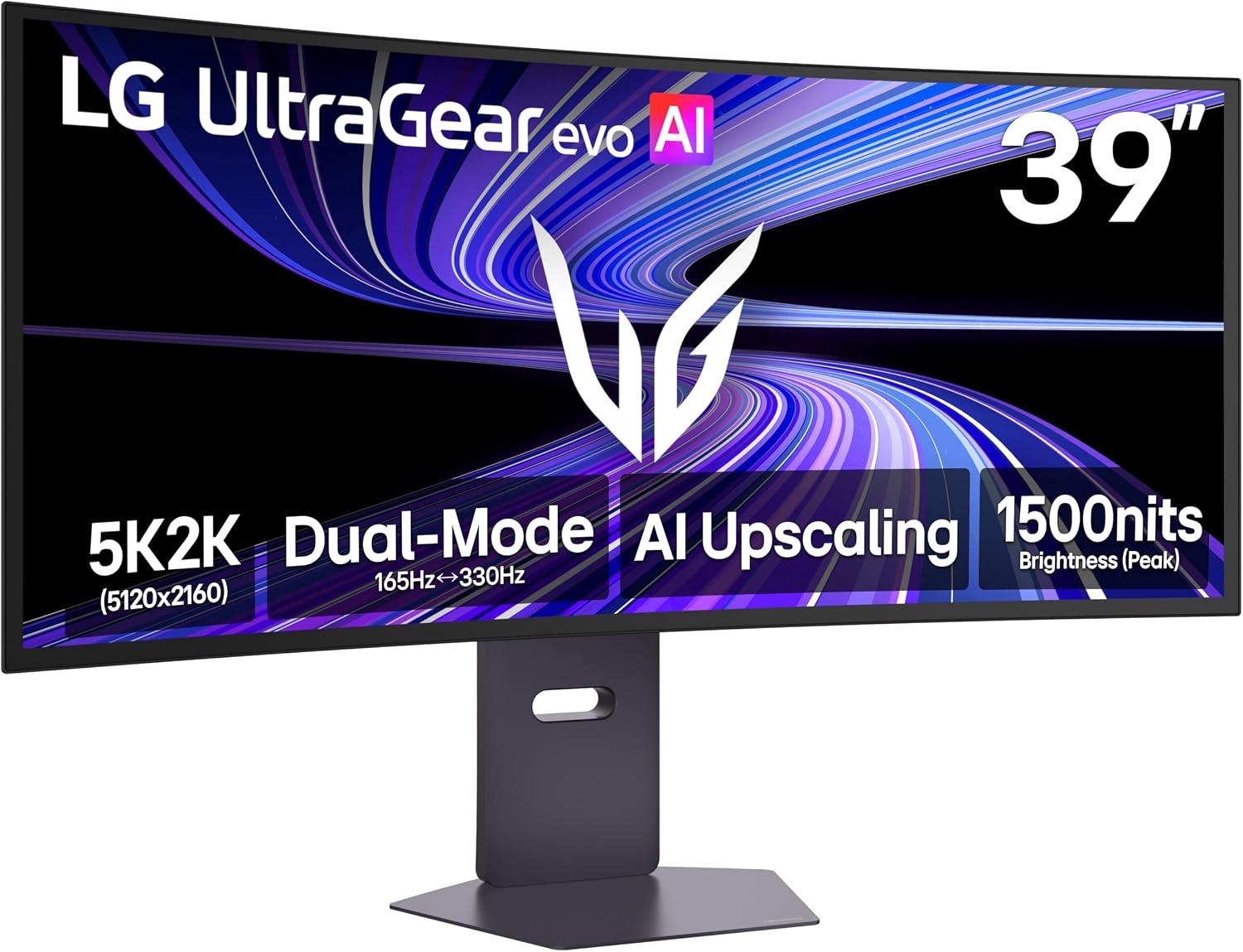
LG's 39-inch 5K2K OLED pairs a sharp 21:9 workspace with 165Hz gaming and a 330Hz dual mode, but it costs a lot and has a few quirks.
Published
Our verdict
4.3 / 5
Price at time of review
$1,549.99
Prices change. As an affiliate, we earn from qualifying purchases — it never decides the verdict.
What we like
- 5120×2160 on a 39-inch panel gives 143 PPI, so text is much sharper than on typical ultrawides
- Dual mode switches between 5K2K at 165Hz and WFHD at 330Hz for competitive games
- Tandem RGB OLED with DisplayHDR True Black 500, 1.85M:1 contrast and up to 99.5% DCI-P3
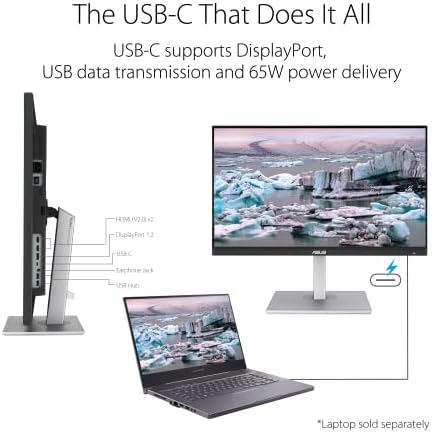
- DisplayPort 2.1 (UHBR20), HDMI 2.1 and USB-C with 90W power delivery cover a laptop and a gaming PC
- Less desk space than a 49-inch super-ultrawide, with UL-verified flicker-free and low-glare credentials
Could be better
- $1549.99 is expensive, and typical brightness is 335 nits, which is modest for a bright room
- The AI image processing features are of limited use, and some reviewers found them annoying
- No USB-B upstream port, which is awkward if you want to share peripherals
- Amazon buyers rate it only 3.9 from 62 ratings, so early ownership experiences are mixed
Full Review
Design and Panel
The 39GX950B uses a 1500R curve on a 21:9 panel. That is gentler than many 49-inch super-ultrawides, so it sits more comfortably at normal desk depth. At 39 inches it also leaves room on the desk for speakers, a lamp or a second screen.
The panel is a 4th-generation RGB Tandem OLED. LG quotes up to 335 nits typical brightness, 1.85M:1 contrast and up to 99.5% DCI-P3 coverage. It is UL-verified for Perfect Black, color fidelity, flicker-free operation and low glare. Blacks are deep, and the 1500 nit peak helps small HDR highlights. Typical full-screen brightness is modest, so a sun-filled room will challenge it.
Gaming and Dual Mode
The main appeal is the resolution. 5K2K at 165Hz gives you a lot of detail in cinematic games, and the built-in AI upscaling aims to make lower-resolution sources look better. For competitive play, dual mode drops the screen to Wide Full HD at 330Hz. That is a more practical choice than buying a separate fast monitor.
DisplayPort 2.1 UHBR20 provides the bandwidth for 5K2K at high refresh rates. You still need a strong GPU to run 5120×2160 at 165Hz in demanding games. If you mostly play esports titles, the 330Hz mode is the one you will use.
Daily Productivity
At 143 PPI, text looks noticeably cleaner than on a 34-inch 3440×1440 screen, and you get plenty of horizontal room for side-by-side windows, timelines and spreadsheets. USB-C with 90W power delivery lets one cable carry video and charge a laptop. That makes this a real hybrid work-and-play display.
The drawbacks are small but real. There is no USB-B upstream port, and the AI picture features are not something I would rely on. Turn off anything that interferes with accurate color if you do creative work.
If you want a cheaper OLED ultrawide with lower resolution, the Alienware AW3423DWF is the obvious alternative. If you prefer a very wide immersive screen, the Samsung Odyssey Neo G9 49 offers that. For a work-first ultrawide, consider the Dell UltraSharp U4025QW. LG’s own 45GX950A is the choice if you want a larger curved screen.
Who Should Buy This
Buy this if you split time between work and gaming, want a sharper alternative to a 49-inch super-ultrawide, and can afford $1549.99. It suits a single-monitor desk with a modern GPU and a USB-C laptop.
Skip it if you work in a bright room, need a lower price, or want a mostly productivity-focused screen. The Dell option above is better for that, and the Alienware is cheaper if you can live with lower pixel density.