Lofree Flow Lite 84 Low-Profile Mechanical Keyboard
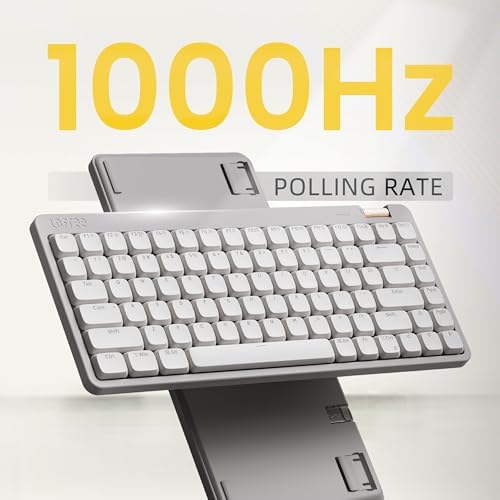
The smoothest typing under $100 — Lofree's signature Flow feel in a 75% layout with hot-swap 40gf Specter linears.
Price may vary. As an affiliate, we earn from qualifying purchases.
What we like
- Specter linear switches feel buttery at just 40gf — long typing sessions don't fatigue your fingers
- Hot-swappable sockets let you swap switches without soldering
- Triple connectivity: 2.4GHz dongle, Bluetooth, and USB-C wired
- PBT double-shot keycaps resist shine and keep legends sharp
- VIA support works in-browser — no clunky software to install
Could be better
- ABS case instead of the aluminum chassis on the standard Flow84
- 80-hour battery is fine but trails the Keychron K3 Pro's 100+ hours
- No backlight customization beyond white LEDs
Full Review
The original Lofree Flow84 made a name for itself as the boutique low-profile keyboard everyone wanted but few could justify at $159. The Flow Lite 84 is Lofree’s answer to that pricing problem — same typing experience, $70 less, and almost nothing meaningful lost in the swap.
Typing Feel
This is where the Flow Lite earns its keep. The Specter linear switches are lubed from the factory and rated at 40gf — light enough that your fingers float across the keys, heavy enough that you don’t trigger ghost presses while resting your hands. The sound signature is the signature Flow clack: a clean, slightly poppy thock that doesn’t ring or rattle. It’s the smoothest typing experience you can get under $100 in 2026, full stop.
Build and Layout
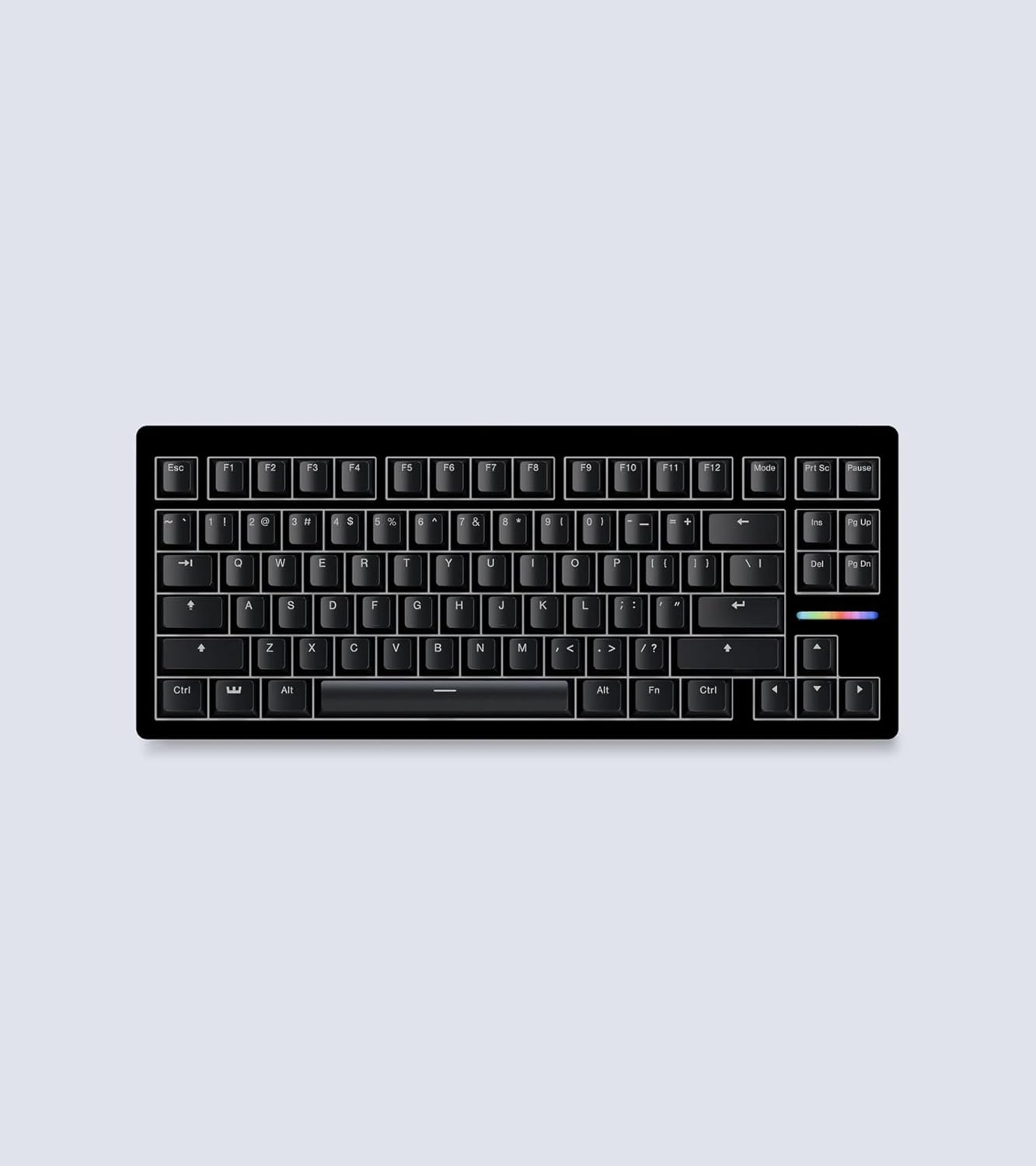
The 75% layout keeps the arrow cluster and a partial function row without wasting desk space on a numpad — ideal for a clean home office desk. The biggest cost-cut compared to the standard Flow84 is the case: ABS plastic instead of aluminum. It’s lighter and a hair less premium-feeling, but the internal foam and gasket mount still make it sound and feel deadened, not hollow.
Connectivity and Software
Triple-mode connectivity covers every desk scenario. The 2.4GHz dongle handles work-from-home days where Bluetooth latency would drive you up the wall, and the USB-C cable is there for charging or pure wired use. VIA support runs in your browser — no app to install — and lets you remap any key or build macro layers.
Flow Lite vs Keychron K3 Pro
At the same $89 price point, the Keychron K3 Pro is the direct competitor. The K3 Pro wins on battery life and ecosystem (QMK firmware, more switch options), but the Flow Lite wins decisively on typing feel and sound. If you care more about the sensory experience of typing, this is the pick.
Who Should Buy This
Buy the Flow Lite 84 if you write or code for a living and want the Lofree Flow typing experience without spending $159. The 40gf actuation makes it a standout for anyone with finger fatigue from heavier switches, and the 75% layout fits cleanly on minimal desks. Skip it if you need aluminum build quality, RGB lighting, or 100+ hours of battery — the standard Flow84 or Keychron K3 Pro fit those cases better.