Logitech MX Keys Mini for Mac (2026 refresh)
The full MX Keys typing feel in a 30% smaller frame, with multipoint Bluetooth and smart backlighting — the productivity keyboard for desks tight on space.
Price may vary. As an affiliate, we earn from qualifying purchases.

What we like
- Same sculpted, low-profile key feel as the full-size MX Keys S
- Multipoint Bluetooth pairs and switches across three devices instantly
- Smart backlighting fades on when your hands approach, off when they leave
- USB-C rechargeable with weeks of battery (months with backlight off)
Could be better
- No number pad — a dealbreaker for spreadsheet-heavy work
- Scissor-switch feel won't satisfy mechanical keyboard fans
- Backlight drains the battery fast if you leave it on full
Full Review
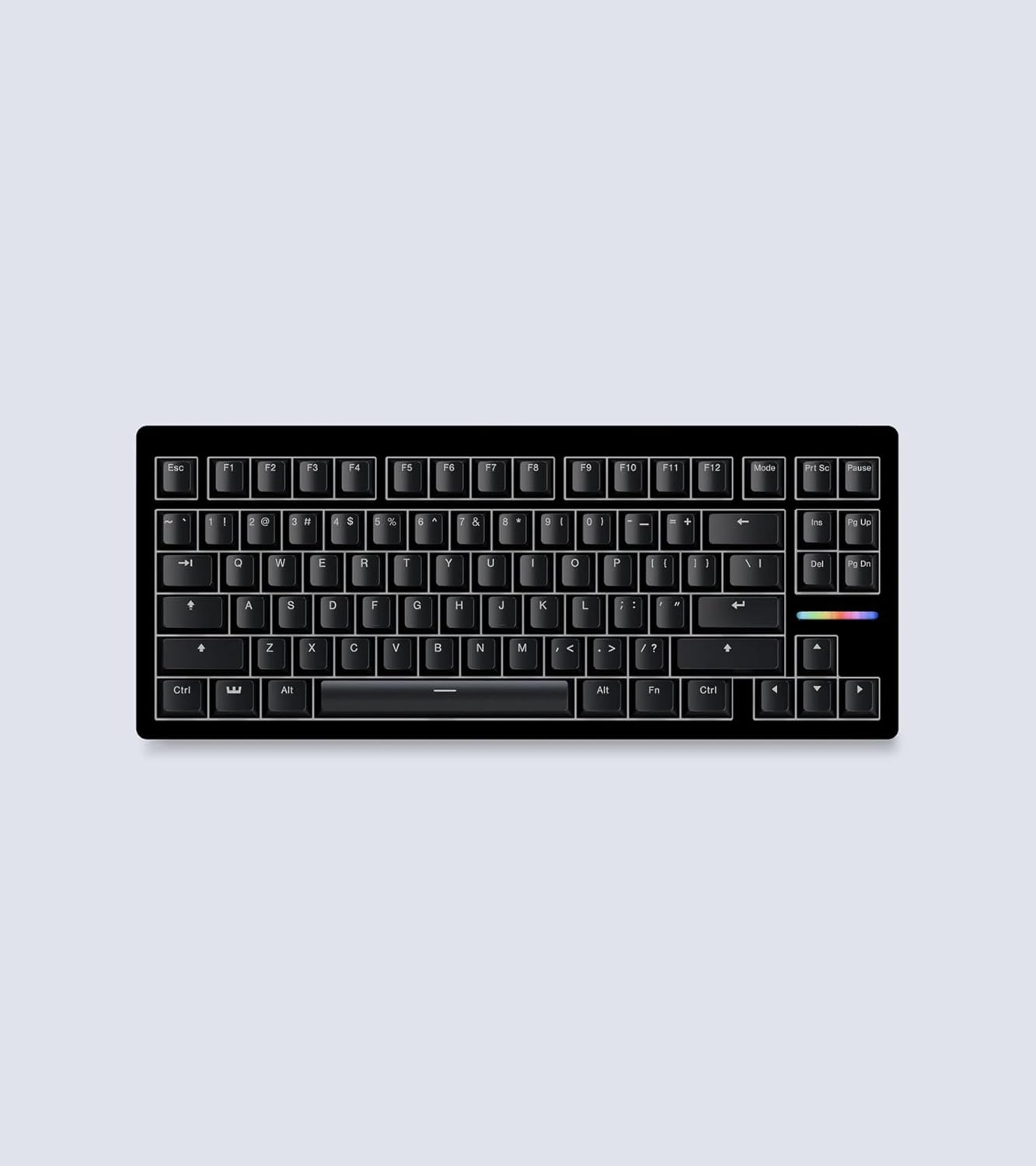
The MX Keys Mini for Mac is what happens when Logitech takes its best productivity keyboard and cuts the dead space. You get the same typing experience as the full-size MX Keys S in a frame that’s roughly 30% smaller. On a cramped desk — or any setup where you want your mouse closer to your typing hand — that reclaimed real estate matters more than you’d expect.
Typing Feel
The keys are the whole point. Logitech uses the same spherically dished, scissor-switch caps as the larger MX Keys, with shallow concave tops that catch your fingertips. Typing is quiet, fast, and stable, with just enough tactile feedback to feel deliberate. It’s not mechanical, and it doesn’t pretend to be — this is laptop-style typing done about as well as scissor switches get.
The Mac layout is the real differentiator here. You get proper Cmd and Option keys in the right spots, plus dedicated dictation, emoji, and mic-mute keys that map cleanly to macOS. No remapping, no mental translation from a Windows board.
Multipoint and Backlighting
Three-device multipoint is the feature you’ll use every day. Tap a key to jump between your MacBook, iPad, and iPhone — pairing holds, switching is near-instant. If you live across multiple Apple devices, this alone justifies the keyboard.
The smart backlighting is genuinely clever: proximity sensors fade the lights on as your hands approach and kill them when you walk away. It looks great and saves power, though leaving the backlight cranked will drain the battery in days rather than weeks. Turn it down and you’ll charge over USB-C maybe once a month.
How It Compares
Against the Apple Magic Keyboard, the MX Keys Mini wins on backlighting and multipoint — the Magic Keyboard has neither, and device switching means digging through Bluetooth settings. If you want backlit keys and seamless multi-device flow, this is the upgrade.
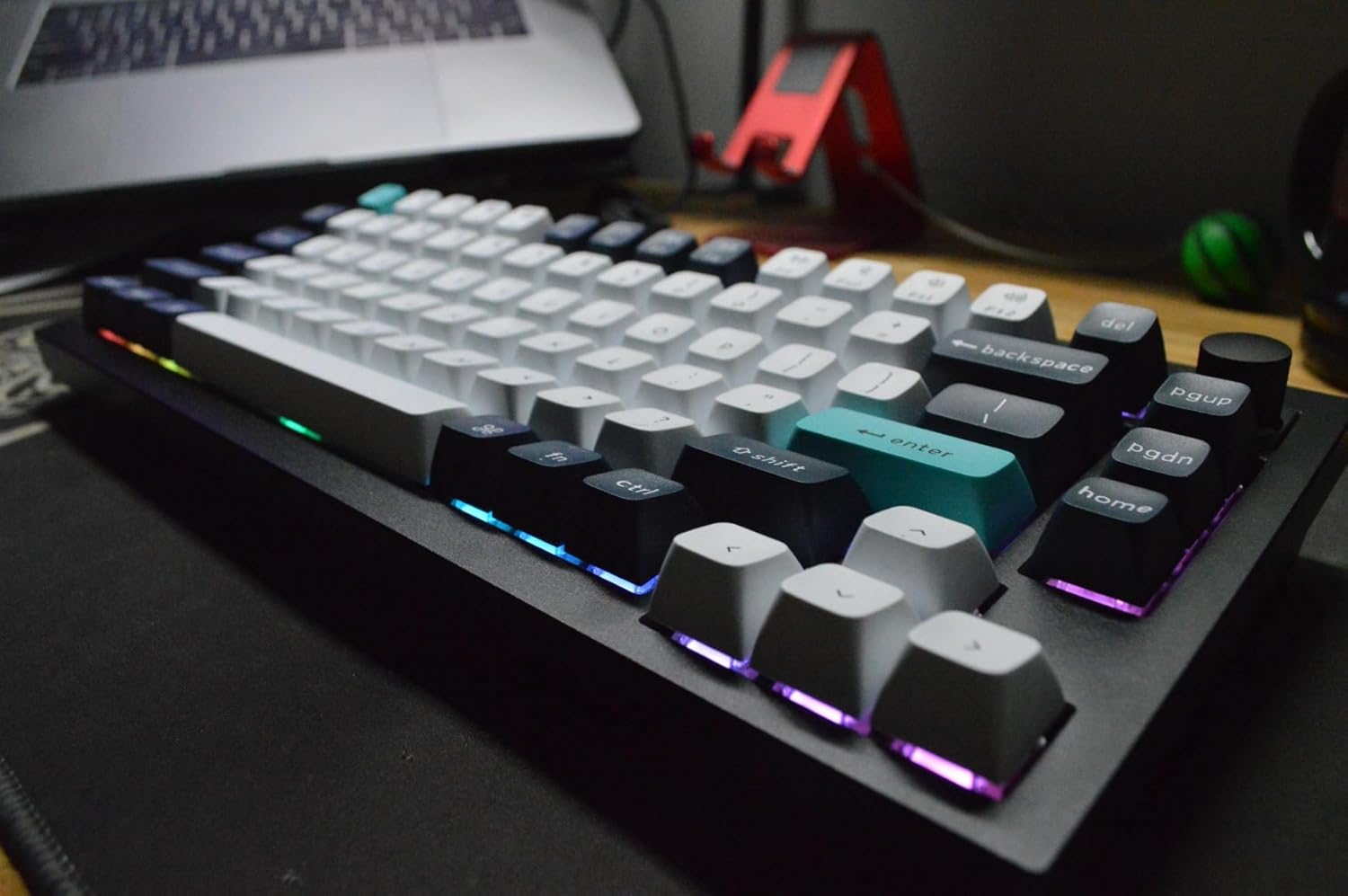
Against the Keychron K3 Pro, it’s a feel-and-noise tradeoff. The K3 Pro is mechanical, more customizable, and more satisfying to type on — but it’s louder and bulkier. If you share a room or take calls at your desk, the near-silent MX Keys Mini is the safer pick.
Who Should Buy This
Buy this if you work across a Mac, iPad, and iPhone and want one quiet, compact keyboard that switches between them without friction. It’s ideal for tight desks and anyone who values mouse-close ergonomics. Skip it if you need a number pad for data entry, or if you’ve been spoiled by mechanical switches — in that case, look at the Keychron K3 Pro instead.