Razer BlackWidow V4 Pro 75% Wireless
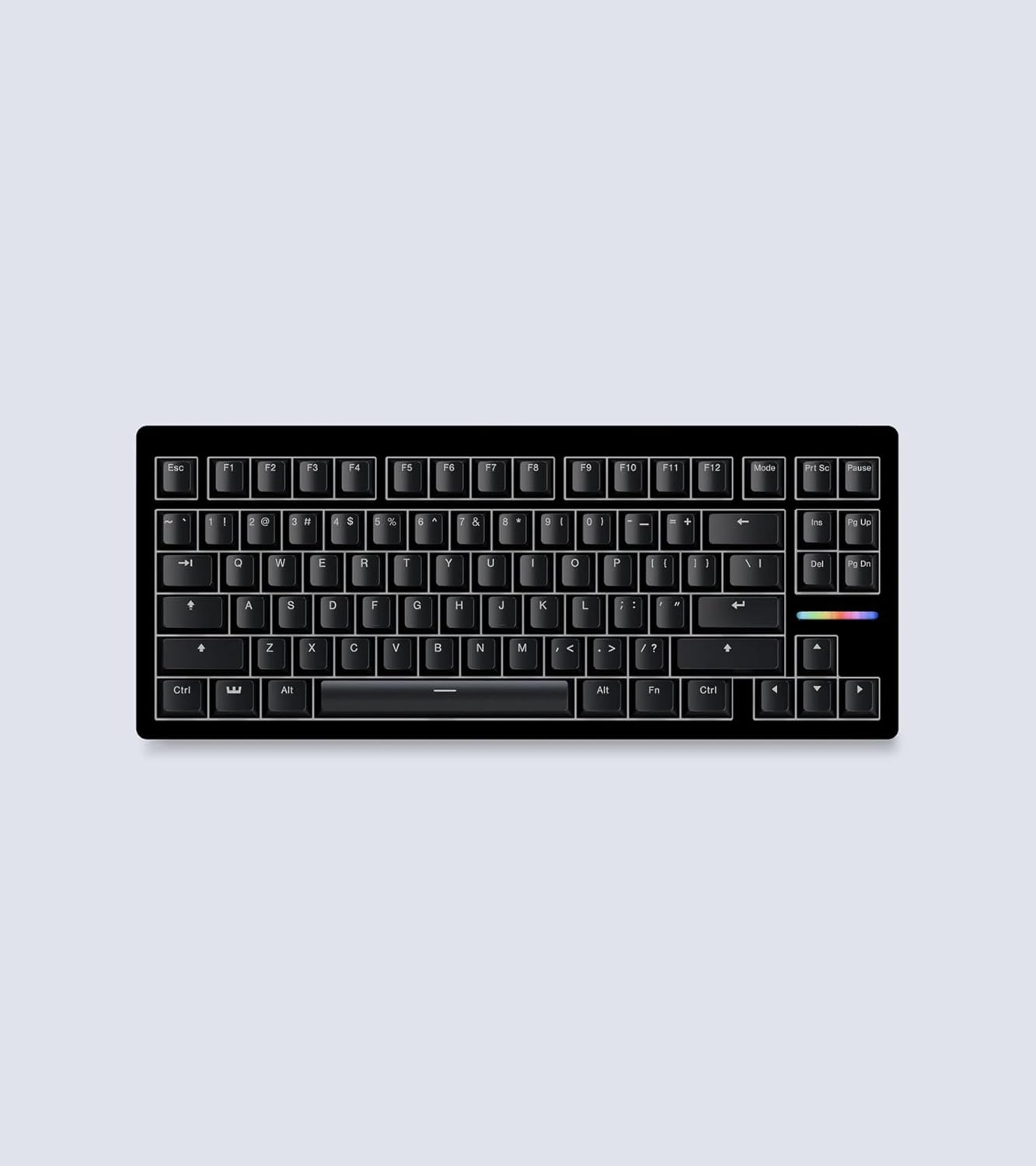
Razer's wireless 75% flagship pairs an OLED screen, command dial, and true 4KHz wireless with gasket mounting and an included wrist rest.
Price may vary. As an affiliate, we earn from qualifying purchases.

What we like
- True 4KHz wireless polling — genuinely lag-free for both gaming and typing
- OLED display and command dial add real, configurable utility
- Hot-swappable PCB with gasket mount and pre-lubed stabilizers
- Wrist rest included, which most enthusiast 75% boards skip
Could be better
- $299 is steep, and Razer Synapse is required for most features
- Sound profile is good, not Q1-Ultra-great out of the box
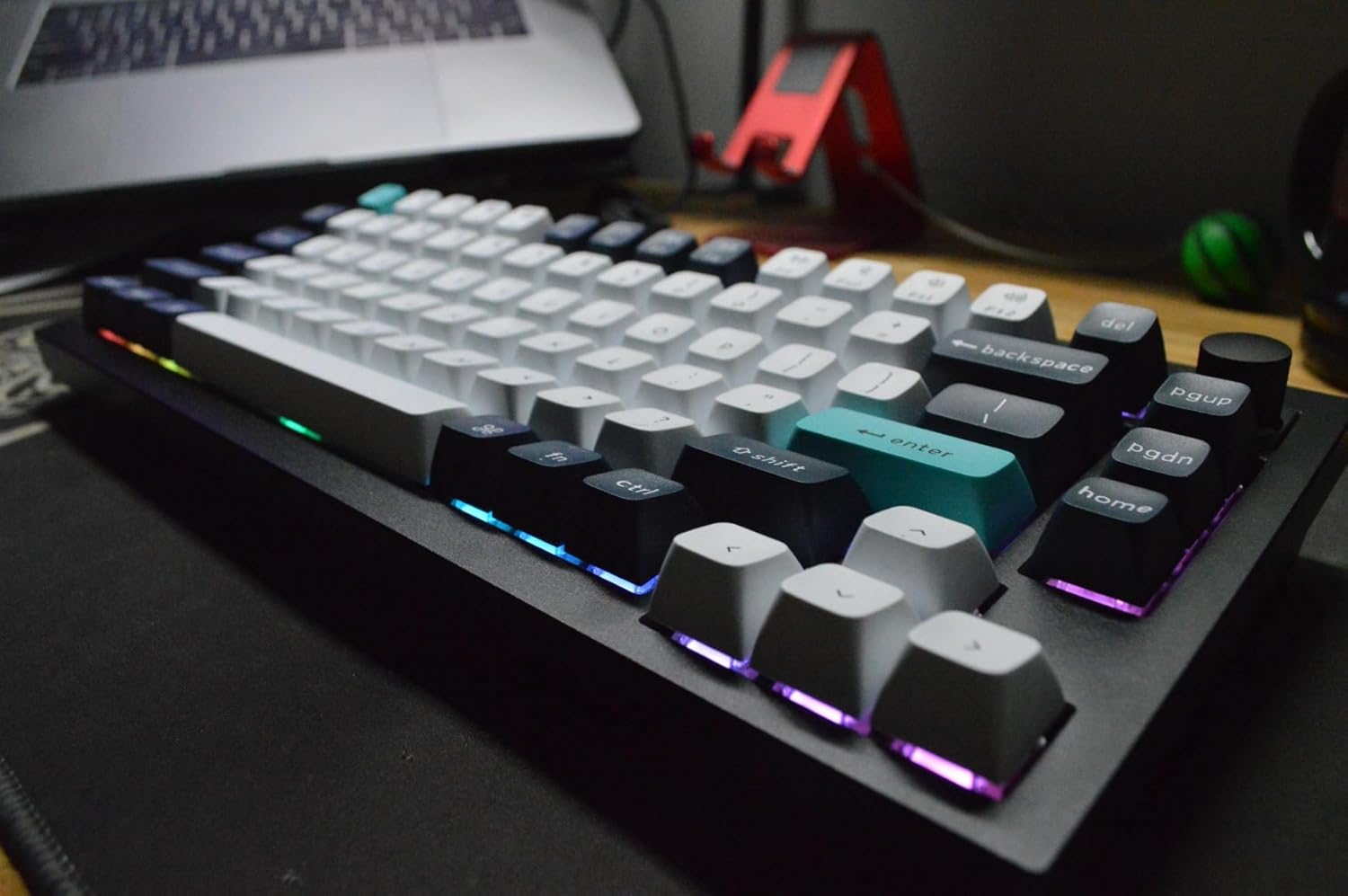
- Gamer aesthetic with heavy RGB won't suit every desk
Full Review
The BlackWidow V4 Pro 75% Wireless is Razer’s attempt to fold enthusiast keyboard features into a gaming flagship — and mostly succeed. You get a gasket-mounted FR4 plate, tape-enhanced PCB, lubed screw-in stabilizers, and two layers of dampening foam, plus the gamer staples Razer is known for. At $299 it’s priced against the Keychron Q1 Ultra, and the comparison is the whole story here.
The Wireless Actually Delivers
The headline feature is true 4KHz wireless polling over HyperSpeed 2.4GHz. This isn’t a marketing number — the board feels indistinguishable from wired, with no perceptible latency whether you’re fragging or typing emails. Bluetooth is there for multi-device convenience, and USB-C wired mode is available if you want to skip the dongle entirely. Battery life is reasonable but takes a real hit if you run full RGB and underglow, so expect to charge weekly under heavy use.
OLED and Command Dial Earn Their Keep
The OLED screen and command dial are the features that separate this from a wired BlackWidow V4 75. The dial is genuinely useful — map it to volume, scrolling, zoom, or app-specific functions, and the OLED gives you at-a-glance system stats or custom GIFs. These aren’t gimmicks the way some macro keys are. The catch: you need Razer Synapse running to configure and get the most out of them, which is a heavier software footprint than the QMK/VIA approach Keychron uses.
Build and Sound
Out of the box, the typing sound is good — muted and reasonably full, helped by the foam and gasket mount. It doesn’t reach the deep, refined “thock” of a Q1 Ultra, but it’s a clear step above most gaming boards. The hot-swap PCB (3 and 5-pin) means you can change that yourself with custom switches. Crucially, Razer includes a magnetic cushioned wrist rest — something the Q1 Ultra and most enthusiast 75% boards make you buy separately.
How It Compares
If you want OLED, a dial, and confirmed wireless gaming performance, this is the board. If you’ve already got the wired BlackWidow V4 75, the wireless and OLED upgrades are the only reasons to step up. And if your priority is the best stock sound and an open-source software stack over RGB flash, the Q1 Ultra is the more refined — and more sober-looking — choice.
Who Should Buy This
Buy the BlackWidow V4 Pro 75% Wireless if you want a single board that handles competitive gaming and daily typing without compromise, and you actually value the OLED and command dial. Skip it if you’d rather not run Synapse, prefer an understated desk, or care more about stock acoustics than features — the Keychron Q1 Ultra wins on both fronts for the same money.